
A HOME FOR YOUR NOTES & PROJECTS
Meet your mind
where it works.
A calmer place to write, connect ideas, and keep your work close. Built with 100% local SQLite storage, on-device Whisper voice dictation, and native desktop performance.
Choose your platform
Select a platform to download verified binaries or launch in your browser.
Native Tauri 2.0 app with embedded SQLite engine and offline Whisper.
Engineered for speed, privacy, and permanence
Unlike browser-in-a-box apps, SoulSpace is compiled natively with Rust and Tauri for instant cold starts, zero telemetry, and permanent data ownership.
Your Data Stays on Your Disk
All your documents, relational databases, and daily sprint logs are saved directly to an offline SQLite database on your machine. Zero mandatory cloud sync or tracking.
- Structured SQLite 3 database file
- Instant offline reads and writes
- Full JSON, Markdown & CSV exports
Instant Speeds, Tiny Memory
Unlike heavyweight Electron apps, SoulSpace compiles directly to native machine code with Tauri and Rust. Enjoy instant cold starts and sub-80MB memory footprint.
- Sub-80MB RAM usage during heavy work
- Global Quickpad tray hotkey capture
- Native OS notifications and menu bar
On-Device AI & AES-256 Vault
Transcribe voice thoughts with embedded on-device Whisper without sending audio to remote servers. Store API keys and OAuth tokens in your AES-256 local encrypted vault.
- Zero telemetry & zero data tracking
- Local Whisper speech-to-text dictation
- Encrypted local secrets and node tokens
Everything you need.
Nothing in your way.
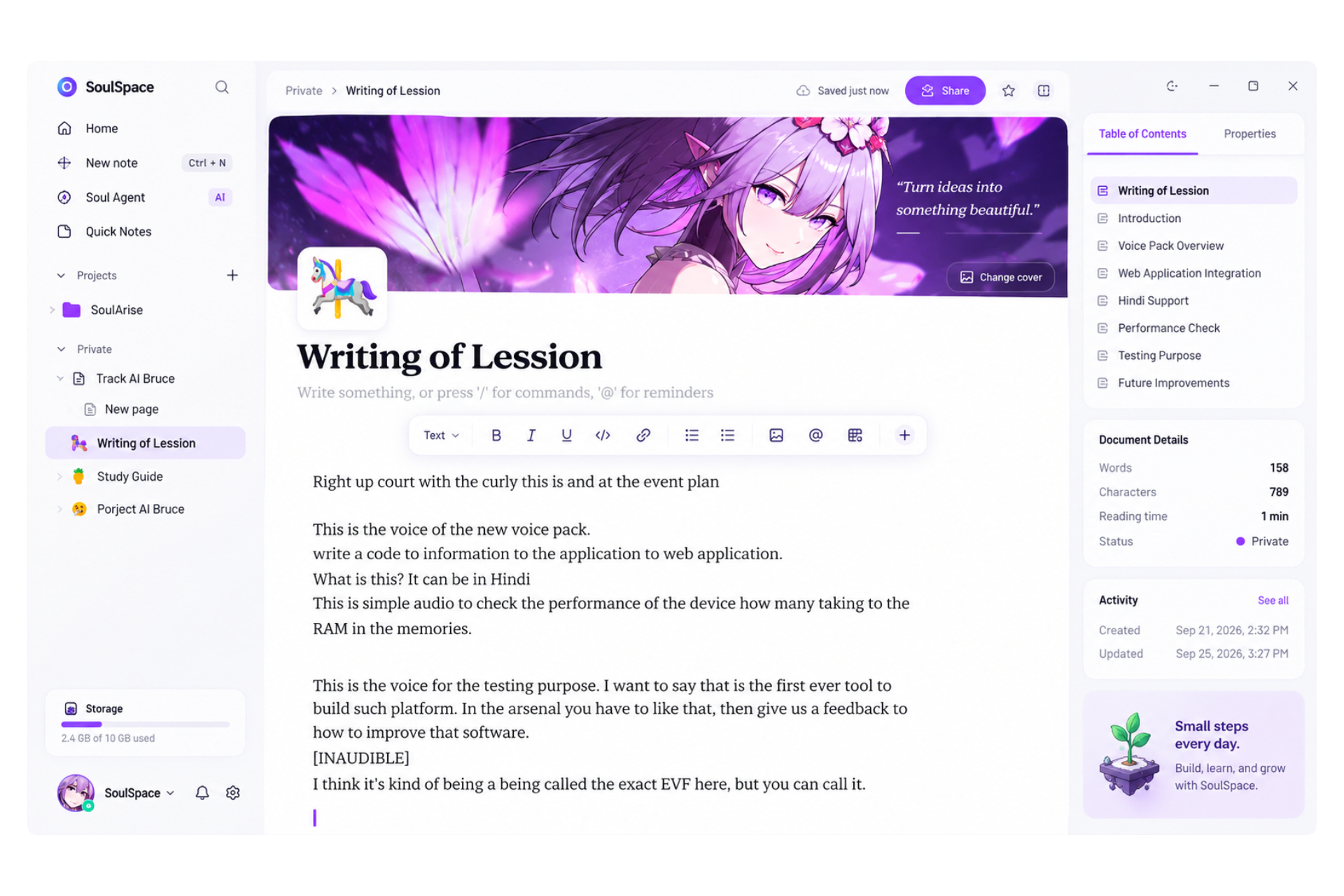
Switch seamlessly between Notion-style block docs, 7-view relational databases, freehand whiteboards, and daily sprints within the same desktop app.
Everything you need to know about SoulSpace
?Does SoulSpace work completely offline?
Yes. SoulSpace is designed from the ground up to be local-first. All your notes, sprint timers, databases, and on-device Whisper speech dictation run locally on your device without requiring an active internet connection.
?Where are my SQLite database and local files stored?
Your data is stored in standard application directories on your computer: ~/.local/share/soulspace on Linux, ~/Library/Application Support/soulspace on macOS, and %APPDATA%/soulspace on Windows. You can back up or inspect this single SQLite file anytime.
?Can I export or migrate my workspace anytime?
Yes. You can export individual pages as standard Markdown, CSV, or HTML, or export complete project archives. Since your underlying storage is raw SQLite, you are never locked into a proprietary cloud vendor.
?How do updates work for the desktop app?
SoulSpace features an integrated updater powered by Tauri. Whenever a new release is verified on GitHub, you will receive a notification with release notes and the option to update seamlessly.